Please follow this guide if you are experiencing communications issues with the controller(s), no 'Access Control Events' are being returned in Semieta or the TX Buffer is at a number greater than '0'.
On the machine that acts as the Access Control server, which may be a server machine on the network or could possibly be a regular machine, say at the security or reception desk:
1. Close Semieta.
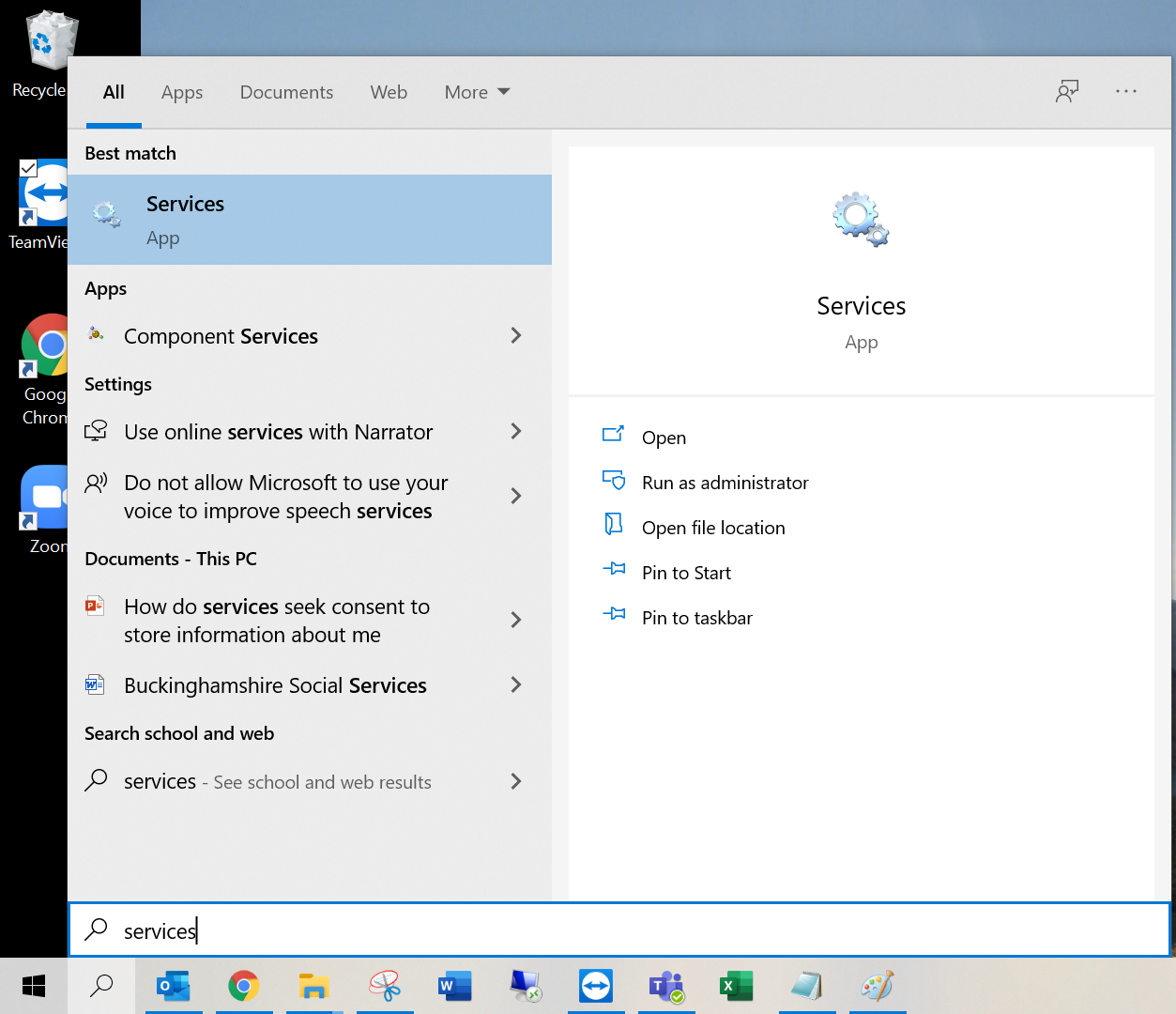
2. Open up 'Services' by using the Windows search bar:
3. When the Services screen opens, you will need to find Semieta Access Control Service, the list is alphabetical, once found single click to highlight:
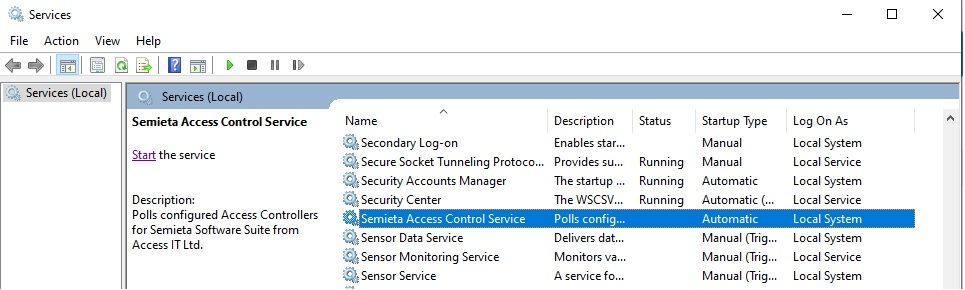
4. Right click on the Semieta Access Control Service and click on Restart. If this is greyed out and unavailable as an option, contact your IT team for support.
5. Do not close [Local] Services just yet.
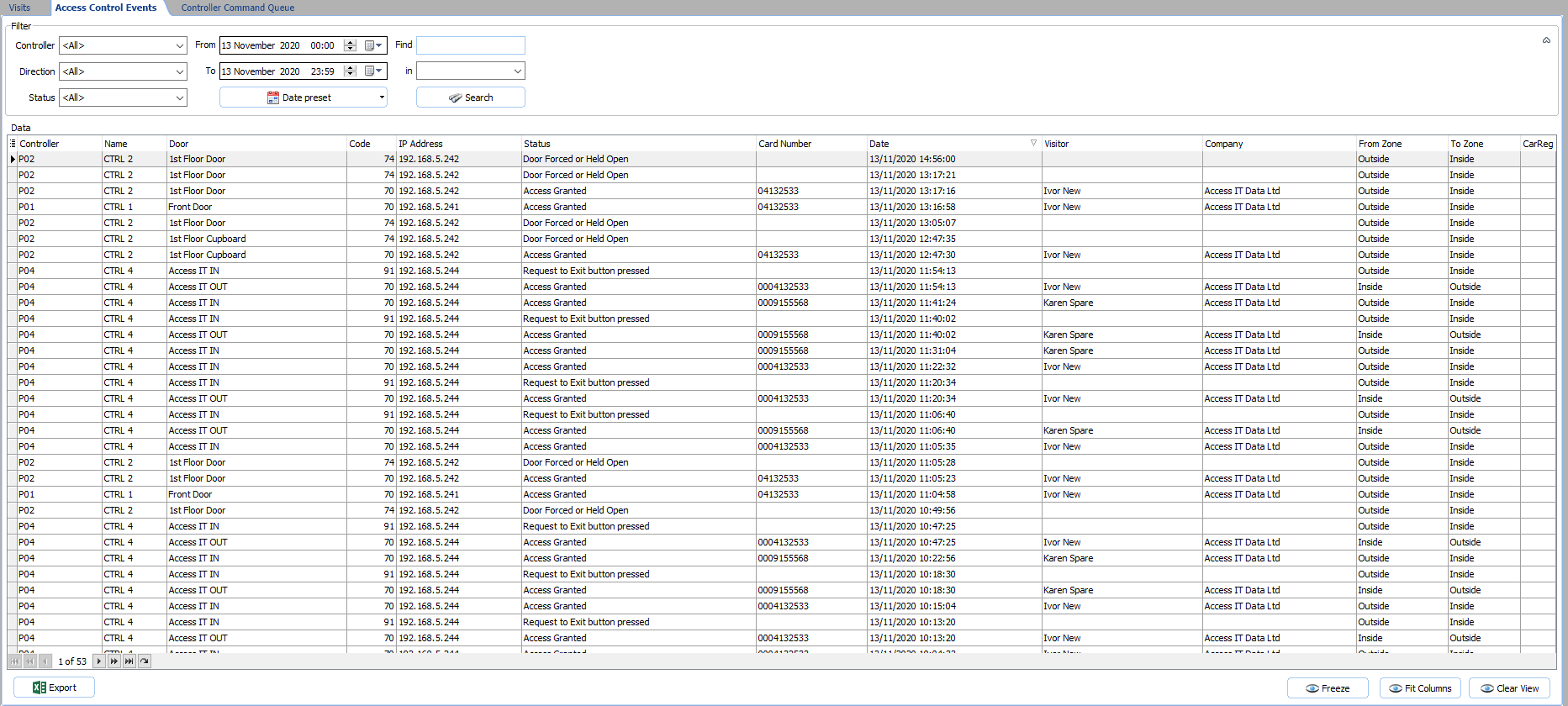
6. Open Semieta, click on the Access Control tab and wait up to 10 seconds for the records to start appearing:
7. You can now close the [Local] Services.
If the Semieta Access Control Service hangs or does not stop during this process, please collect as much information as possible and then please contact the office to request further support.