How to assign a time schedule to an Access Control group:
- Log in to Semieta.
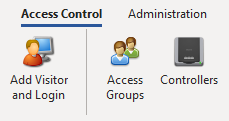
- Click on the 'Access Control' tab at the top.
- To view the Access Groups, click the Access Groups button:
4. Select the Access Group you want to alter and click 'Edit'.
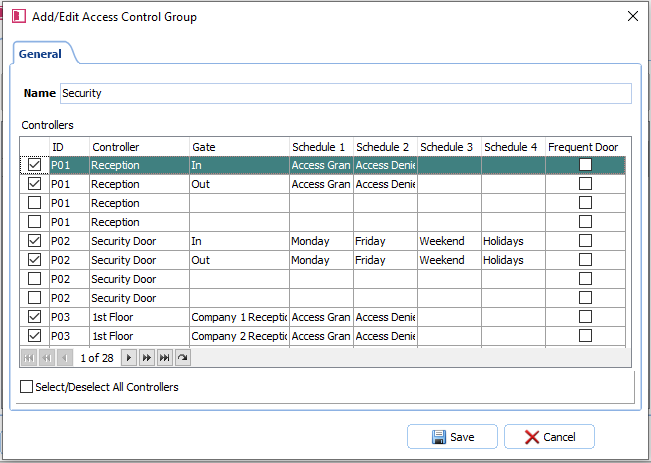
5. You will now have a new window open showing the Access Group's setup. With the doors you want to be included in the group, these will be ticked in the check box and then issued with four access time schedules.
6. Use the drop downs in each of the schedule slots to set your new Time Schedules. This should be done in the same way that you would for the doors; start with the earliest:
7. Once you have made all of your Time Schedule changes for the Access Group, click 'Save'.
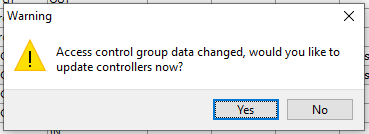
8. You will be asked if you want to update the Controllers with the Access Group details, click 'Yes':
If you need further help on assigning time schedules to access control groups, please contact our support team.