Control what features of Semieta Cloud your users can access through User Roles.
Creating a new User Role
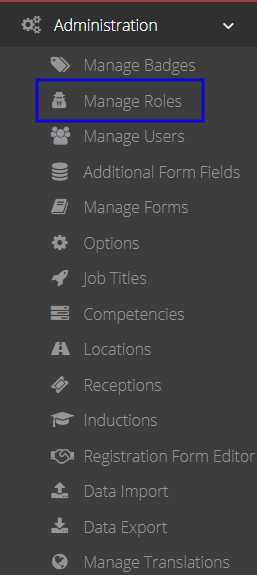
- Navigate to Administration > Manage Roles on the left-hand side menu.
- Click
 to create a new User Role, or
  to edit an existing user role.
 - Select/ deselect the desired permissions and click save when complete.
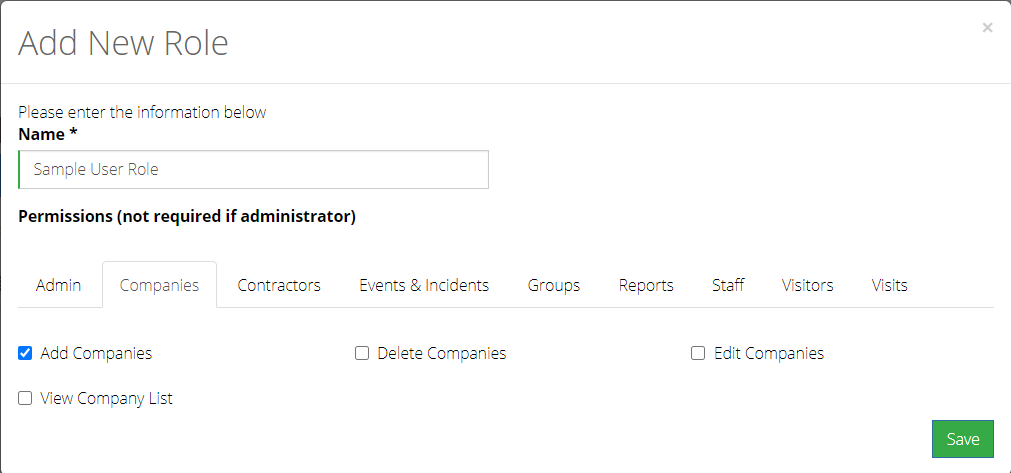
The New or updated user role is now ready to be assigned to a user. Click here to learn about creating a new user.